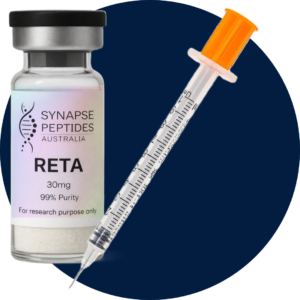
Select the target peptide amount in micrograms (mcg) for calculation purposes. This value is used only to help estimate solution concentration and the corresponding volume in the calculator. For example, entering a target amount allows the calculator to display the volume of prepared solution that would contain that amount of peptide.
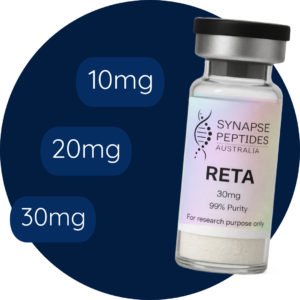
Enter the total peptide amount listed on the vial, in milligrams (mg). For example, if the vial label states 30 mg, enter 30 mg. You can select a common amount, such as 10 mg, 30 mg, or 50 mg. If the amount is not listed, you can manually enter the exact value. This step helps the calculator determine the total peptide quantity available and estimate the resulting solution concentration based on the information provided.
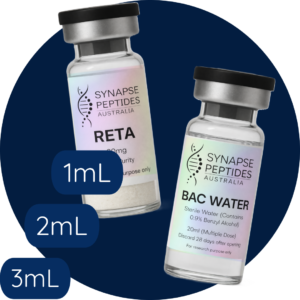
Enter the volume of diluent in milliliters (mL) to be used for calculation purposes. This value helps the calculator estimate the resulting solution concentration based on the peptide amount entered in Step 2.
For example, if 2 mL is entered, the calculator will use 2 mL as the total solution volume when calculating concentration. A higher entered volume results in a lower calculated concentration per milliliter, while a lower entered volume results in a higher calculated concentration per milliliter.
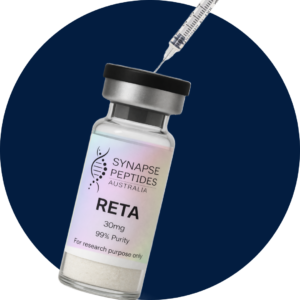
Review the calculated volume displayed by the calculator. The syringe graphic is provided as a visual reference to help show how the calculated volume corresponds to syringe markings.
On a U-100 syringe scale, 100 units equals 1 mL. For example, if the calculator displays 20 units, the 20-unit mark shown on the calculator represents the corresponding reference point on the syringe scale.
This calculator is provided for measurement reference only and does not provide instructions, recommendations, or guidance for human or animal use.